アプリ関連ニュース
- 2021年9月01日
- Windows
Windows11が10月5日にリリースされるようです。

tanaka at 2021年09月01日 10:00:41
- 2021年8月30日
- Web Service
JWT (JSON Web Token)
You might be heard about JWT or even used it in your project for authorization. Today I will talk about JWT , what it’s and how it works.
JSON Web Token (JWT) is an open standard (RFC 7519) for securely transmitting information between parties as a JSON object.This information can be verified and trusted because it is digitally signed.
Where we can use JWT ?
JWT is a token-based authentication mechanism which is stateless. The server does not have store the information or data to hold session information.
Authorization:
This is the most common scenario for using JWT. Once the user is logged in, the next requests will be attached by JWT, allowing the user to access resources that are controlled with that token. Single Sign On is a feature that widely uses JWT nowadays, because of its small overhead and its ability to be easily used across different domains.
Information Exchange:
It’s also good for securely transmitting information between parties. Because JWTs can be signed—for example, using public/private key pairs—you can be sure the senders are who they say they are.
How it works
- User login with username and password or google / facebook.
- The authentication server verifies the credentials and issues a signed JWT using a secret salt or private key.
- The client uses the JWT to access protected resources by passing the JWT in the HTTP authorization header.
- The resource server then verifies the authenticity of the token using the public key / secret salt.
That is for now. I will talk about the JWT structure nextweek.
Yuuma
yuuma at 2021年08月30日 10:30:12
- 2021年8月27日
- 技術情報
Switch List Tile in flutter
Take a moment to think back to the last time you looked at the settings page. If you wish you would quickly and easily create a list of toggle switches like that, just use SwitchListTile.
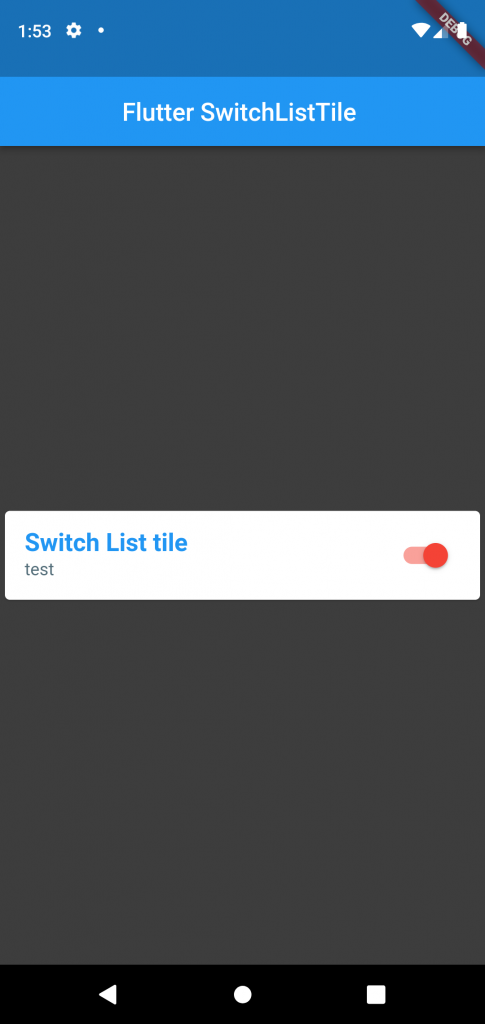
Switch List Tile, you get a little tile that’s tappable anywhere to switch a toggle from off to on.
SwitchListTitles API looks a lot like widgets of similar names. ListTile, CheckboxListTile, RadioListTile, SwitchListTile all follow the same pattern.
ListTile(
 title: Text("List Tile"),
),
SwitchListTile(
 title: Text("Switch List Tile"),
/*.....*/
),
Start with the title : Text, which will appear in the middle of the tile. Then you can add Icons to either end, and with the control tiles like SwitchListTile.
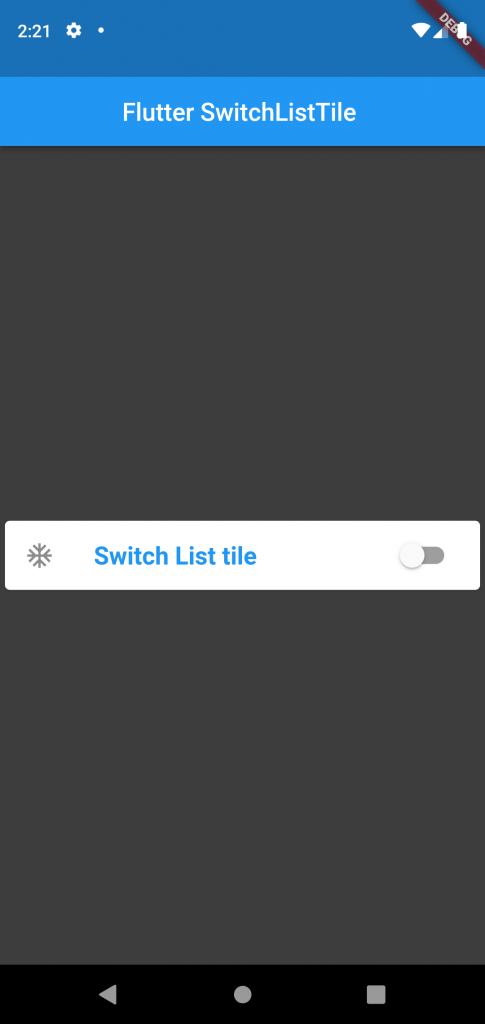
ListTile(
 title: Text("List Tile"),
 leading: Icon(Icons.ac_unit),
 trailing: Fire(),
),
SwitchListTile(
 title: Text("Switch List Tile"),
 secondary: Icon(Icons.ac_unit),

),
Hope you enjoyed this article!
By Ami
asahi at 2021年08月27日 10:00:52
[Flutter] BottomNavigationBar を使用したナビゲーションメニューの作成
tanaka at 2021年08月25日 10:00:00
- 2021年8月23日
- 技術情報
Codespaces
We might heard about the news of codespace from github recently. If you don’t , it’s ok. I will briefly introduce about codespace today.
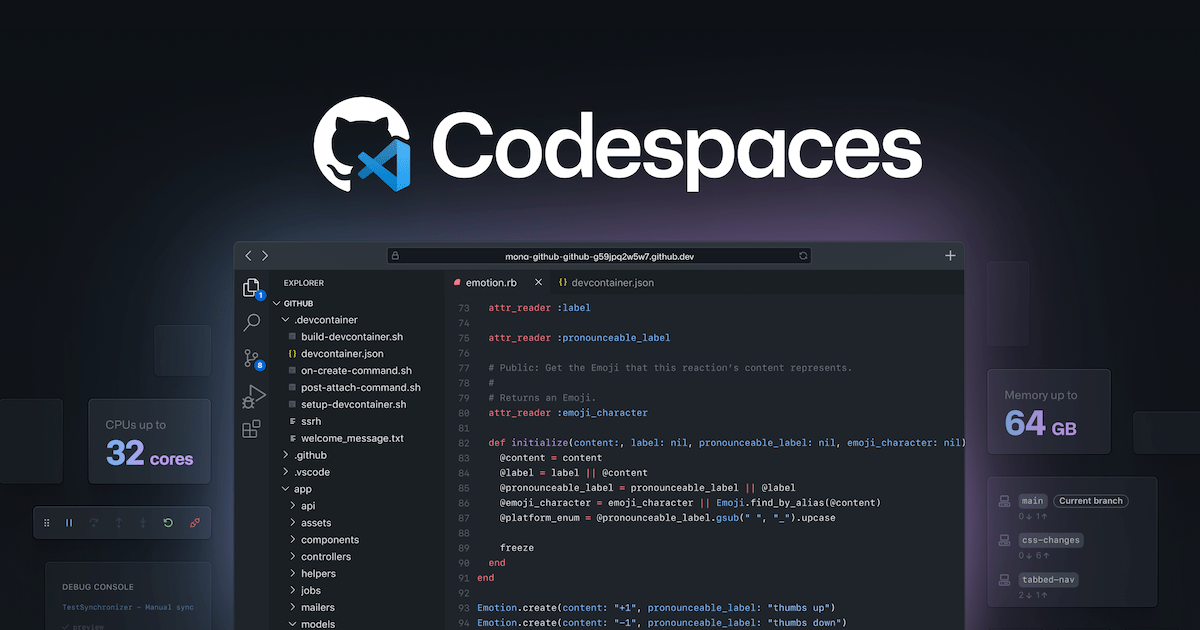
GitHub has announced its product, Codespaces recently for its daily development flow. Codespaces provides a full-featured cloud-hosted development environment that can be very useful for day to day development or short interval period development for overall cases. Codespaces now supports Emacs, Vim and Visual Studio Code as code editors.
After Microsoft bought Github, I knew this is probably coming as a service and here it is. They said
Local development environments are fragile. And even when functioning perfectly, a single-context, bespoke local development environment felt increasingly out of step with the instant-on, access-from-anywhere world in which we now operate.
The Codespaces can run directly within GitHub, so developers can start contributing to their projects almost instantly.
According to GitHub, The target of Codespaces not only fixed the issue of vulnerabilities in the local environment, but also provided additional opportunities to improve the development experience. Much effort to run in a single developer local environment. Similarly, developer machines can be upgraded to higher specs very easily.
You can see the official announcement blog here and don’t forget to try it out as it’s exciting to do a development not at locally as we usually do, this time is at cloud.
Yuuma.
yuuma at 2021年08月23日 10:30:09
 大人が楽しめるヒーリング絵本河童のカパと静かな森
 パワースポット 日本三大神滝布引の滝
 佐藤・広幸ドイツ魂
 Himeji Castle姫路城
 ボイドタイムお知らせアプリVoid Time 〜月を無視できない〜
 撮った写真をカレンダーに撮りカレ
 ライブ壁紙竹田城ライブ壁紙
 赤ちゃんにっこりBaby+Smile
 電子書籍[for iPhone]ターラのアストロロジー
 Vue.js コンパイルするときのポイント
 翻訳や文字起こしを視界の中へ――AIスマートグラス「INMO GO3」が国内発売