アプリ関連ニュース
- 2020年12月28日
- 他の話題
年末年始営業のご案内
拝啓 年の瀬も押し詰まり、ご多用のことと存じ上げます。
さて、誠に勝手ながら、弊社の年末年始の営業は、下記のとおりとさせていただきます。
皆様にはご迷惑をお掛けしますが、何卒ご容赦願います。
今年一年ご愛顧を賜りまして大変感謝申し上げますと伴に、皆様のご多幸をお祈りいたします 。
敬具
記
年内営業 令和2年12月28日 13:00まで
年始営業 令和3年1月4日 10:00より

SH at 2020年12月28日 11:52:00
- 2020年12月28日
- 技術情報
Wappalyzer technology profiler
I introduced an extension called daily.dev to read the development related articles. I will introduce more browser extension that are extremely useful next time. Also today I would like to introduce an extension called wappalyzer
Wappalyzer is a technology profiler that shows you what websites are built with.
Further more, it discovers more than a thousand technologies in dozens of categories such as programming languages, analytics, marketing tools, payment processors, CRM, CDN and others.
Go ahead this link and install the extension.
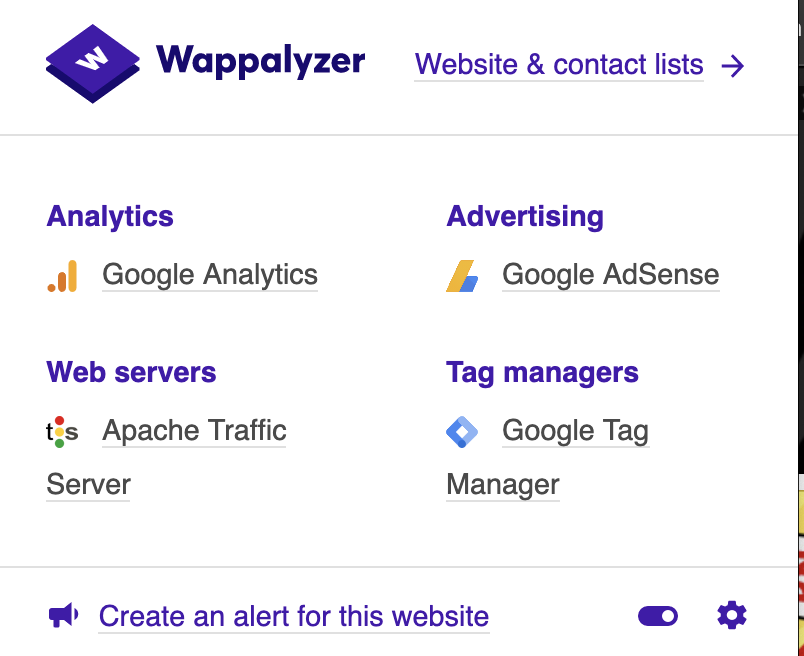
Lets take a look at yahoo website, https://www.yahoo.co.jp/
We can see the technologies we are using through the wapplyzer extension like this.
Lets take a look at another site medium.com, and lets see what technologies they are using.
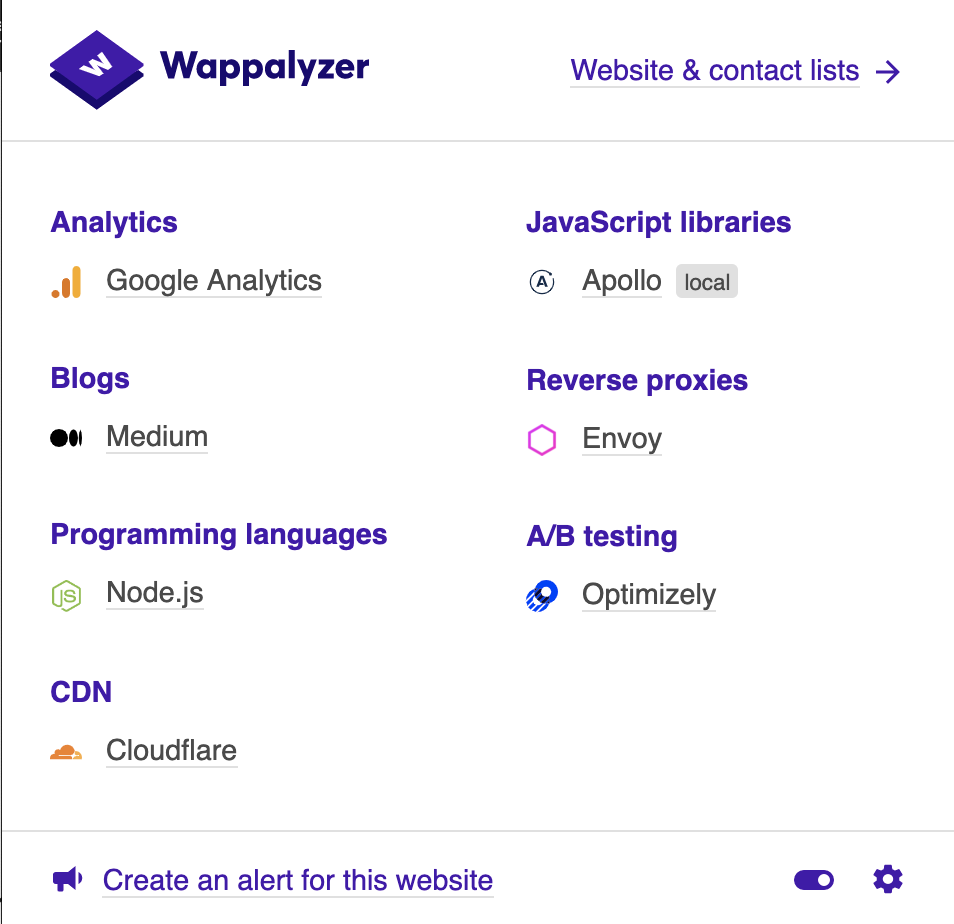
Conclusion, this is a very useful plugin to trace technologies in a website such an easy way.
By Yuuma.
yuuma at 2020年12月28日 11:00:01
- 2020年12月25日
- 技術情報
[PHP] アップロード可能な最大ファイルサイズを調整する
データベースの復元処理など、ダンプファイルの容量がアップロード可能な最大ファイルサイズの初期設定(2MB)を超えている場合があります。
今回はそのような場合の対処方法を3パターン紹介します。
nishida at 2020年12月25日 10:00:13
- 2020年12月23日
- Android
ポートフォワーディングを使ってAndroidでlocalhostページを表示する
tanaka at 2020年12月23日 10:00:49
- 2020年12月21日
- 技術情報
PROGRAMMING NEWS Browser extension
Today, I would like to introduce an extension I am using to read programming news daily & often. There are tons of websites or blogs publishing programming related news and I can’t decide which one to use and I found this extension.
It’s called daily.dev. It is the easiest way to stay updated on the latest programming news. With daily.dev, we can get the best articles from the best tech publications on any topic as below.
Publications we can get from.

We can also choose the favorite tags we want.
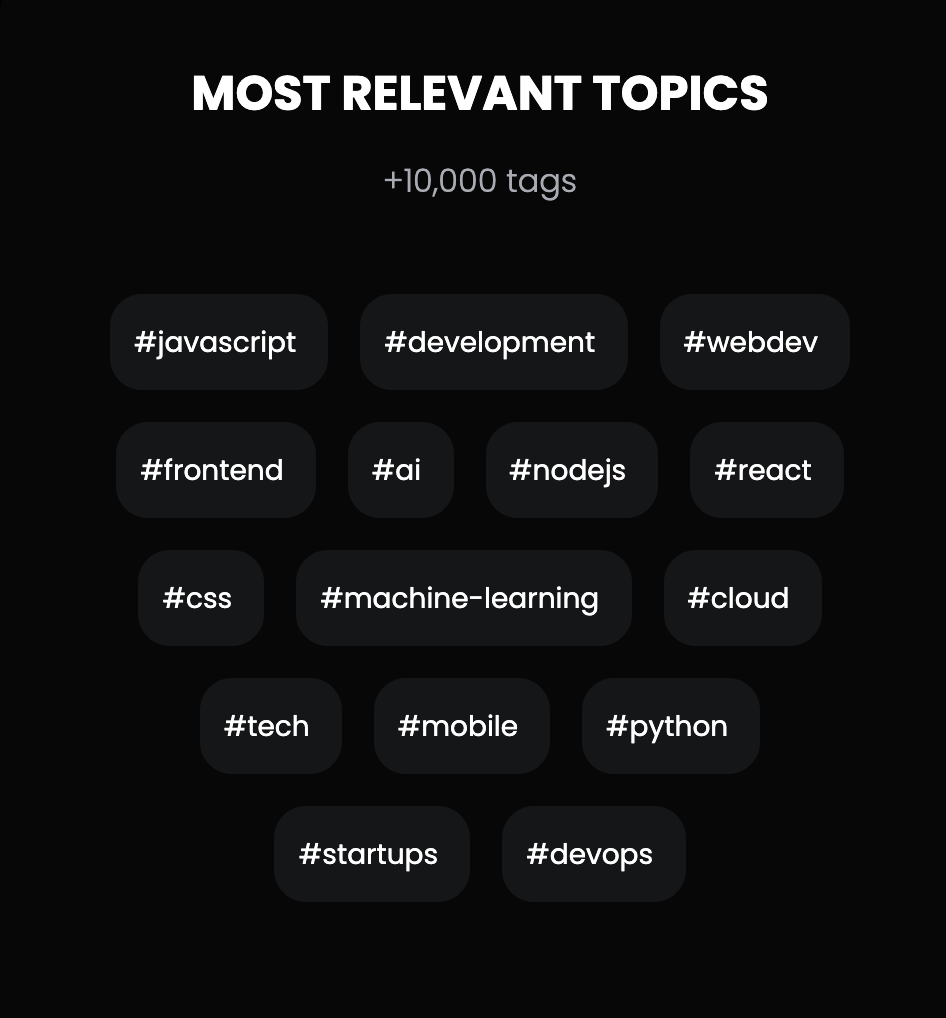
You can go ahead to this link and install the extension. When you go to new tab on browser, this will look like this as final result.

By Yuuma
yuuma at 2020年12月21日 11:00:44
 大人が楽しめるヒーリング絵本河童のカパと静かな森
 パワースポット 日本三大神滝布引の滝
 佐藤・広幸ドイツ魂
 Himeji Castle姫路城
 ボイドタイムお知らせアプリVoid Time 〜月を無視できない〜
 撮った写真をカレンダーに撮りカレ
 ライブ壁紙竹田城ライブ壁紙
 赤ちゃんにっこりBaby+Smile
 電子書籍[for iPhone]ターラのアストロロジー
 Vue.js コンパイルするときのポイント
 翻訳や文字起こしを視界の中へ――AIスマートグラス「INMO GO3」が国内発売